Click Test – Measure Your CPS Score Online
Click Test is a simple online tool that helps you measure how fast you can click your mouse within a selected time limit. It tracks your clicks per second (CPS) in real time, allowing you to evaluate your clicking speed, test different techniques, and monitor your progress with accurate results.
Whether you are a Minecraft player, an FPS gamer, or simply curious about your clicking ability, our Click Test provides a quick and easy way to improve your CPS score. Practice regularly, compare your results, and enhance your clicking speed directly through your web browser without any downloads or installations.
What Is a Click Test?
A Click Test is an online tool designed to measure how quickly you can click your mouse within a selected time limit. The test counts every click and calculates your clicks per second (CPS), giving you an accurate overview of your clicking speed and consistency.
Many gamers use this test to improve their mouse-clicking skills, while others take it as a fun challenge to see how fast they can click. By regularly checking your CPS score and comparing previous results, you can track your progress and identify ways to improve your overall clicking performance.
How Does Our Clicking Test Work?
Our Clicking Test is designed to measure your mouse-clicking speed and provide accurate results within seconds. Users can select different time durations, including short and long test modes, to evaluate both speed and consistency.
As soon as you begin clicking inside the test area, the timer starts automatically and every click is counted in real time. Throughout the test, you can monitor your CPS score and total clicks as they update live on the screen.
Once the selected time limit ends, the tool displays your final results, including total clicks, CPS score, and overall statistics. These results help users track their progress, compare performances, and improve their clicking speed through regular practice.
Key Features of Our Clicking Test
Real-Time CPS Tracking: Track your clicks per second (CPS) in real time as you complete the test. The live counter updates instantly, allowing you to monitor your clicking speed and maintain a consistent rhythm throughout the session.
Multiple Time Modes: Choose from various test durations, including 1, 2, 5, 10, 30, 60, and 100 seconds. Shorter tests help measure maximum clicking speed, while longer durations are useful for evaluating consistency and endurance.
Instant Results & Detailed Statistics: As soon as the timer ends, the tool displays your total clicks, CPS score, and overall performance. These detailed statistics help you analyze your results and identify areas for improvement.
Personal Best Tracking: Keep track of your highest scores and compare them with recent results. Monitoring your personal records makes it easier to measure progress and stay motivated while improving your clicking speed.
Clicking Techniques to Improve Your CPS
Regular Clicking
The standard clicking method uses your index finger to press the mouse button naturally. This is the baseline technique most people use daily. While it's comfortable and sustainable for long sessions, it typically yields 4–7 CPS. Focus on a consistent rhythm and minimal finger lift for the best results with regular clicking.
Jitter Clicking
Jitter clicking involves tensing your arm and wrist muscles to create rapid vibrations that translate into fast clicks. Your index finger stays on the button while your whole hand shakes rapidly. This technique can achieve 9–14 CPS but requires practice and can cause fatigue. Take regular breaks to prevent strain.
Butterfly Clicking
Butterfly clicking uses two fingers alternating on the mouse button to create rapid, successive clicks. Place your index and middle fingers on the button and alternate between them quickly. This technique can reach 12–20 CPS and is popular among Minecraft PvP players. Some gaming servers may detect this as double-clicking.
Drag Clicking
Drag clicking involves dragging your finger across the mouse button to generate multiple click registrations from the friction. This advanced technique can produce extremely high CPS scores of 20–100+, but it requires a mouse with a textured surface and specific switches. Not all mice support drag clicking, and many gaming servers consider it unfair.
Why Clicking Speed Matters in Gaming
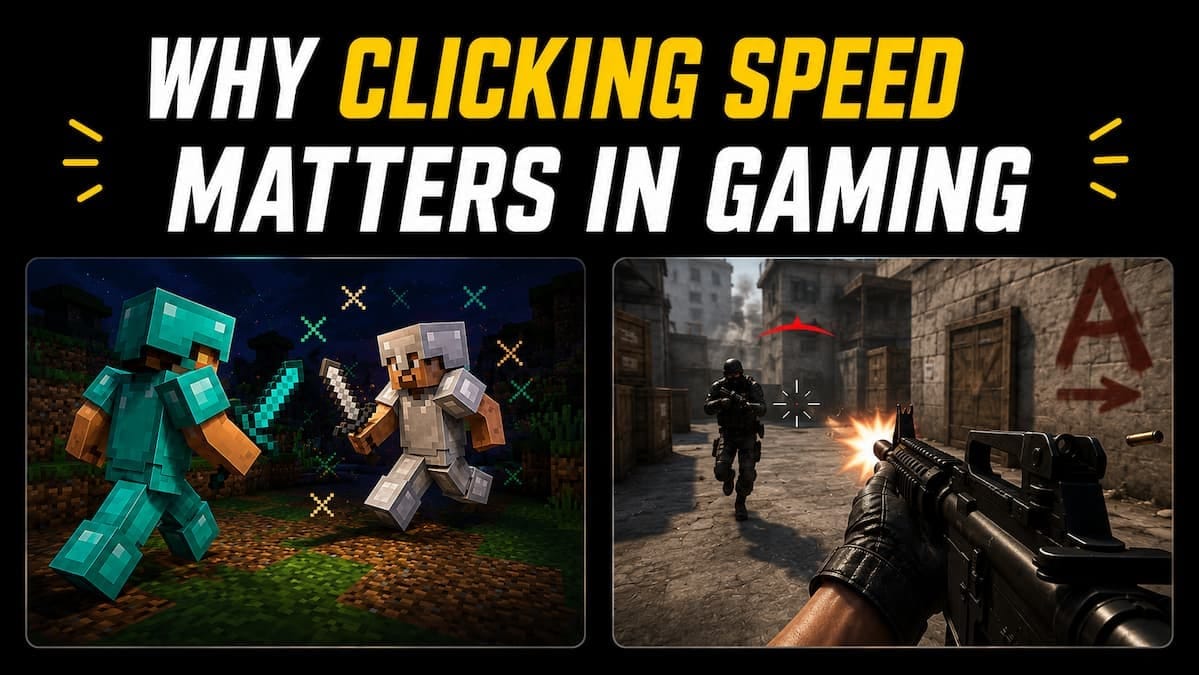
Minecraft PvP: Clicking speed plays an important role in Minecraft PvP battles, where players often rely on rapid clicks to maintain pressure during combat. A consistent clicking rate can help improve hit registration, maintain combos, and provide better control during intense fights.
Clicker Games: In clicker and incremental games, progress is often directly linked to how quickly you can click. Faster clicking allows players to earn points, resources, or rewards more efficiently, making clicking speed a key factor for advancing through the game.
FPS Games: Certain FPS games benefit from faster clicking, especially when using semi-automatic weapons that require repeated mouse clicks. While clicking speed can be helpful, factors such as aiming accuracy, reaction time, and weapon control are usually more important for overall success.
MOBA and Strategy Games: In MOBA and strategy games, clicking speed can assist with quick actions and unit management. However, decision-making, map awareness, and timing generally have a greater impact on performance than raw clicking speed alone.
Expert Tips to Improve Clicking Speed
Use a Quality Gaming Mouse: A responsive mouse with reliable switches can make clicking feel smoother and more consistent. Choosing a comfortable mouse also helps reduce fatigue during longer clicking sessions.
Practice Regularly: Consistent practice is one of the most effective ways to improve clicking speed. Spending a few minutes each day on different test durations can help build speed, consistency, and control over time.
Improve Your Grip and Posture: A relaxed grip and proper sitting posture allow your fingers to move more freely. Avoid holding the mouse too tightly, as excessive tension can reduce clicking speed and cause discomfort.
Focus on One Technique at a Time: Instead of learning multiple methods at once, master a single clicking technique before moving to more advanced options. Building a strong foundation makes it easier to improve speed while maintaining accuracy and consistency.
Conclusion
A Click Test is one of the most effective ways to measure and improve your mouse-clicking speed. Whether you are a beginner, a casual gamer, or a competitive player, regular practice can help you develop better clicking consistency, improve mouse control, and achieve higher CPS scores over time.
With multiple time modes and popular techniques such as jitter clicking, butterfly clicking, and drag clicking, this test provides a simple yet engaging way to challenge yourself and monitor your progress. Keep practicing, compare your results, and discover how fast your fingers can really click.